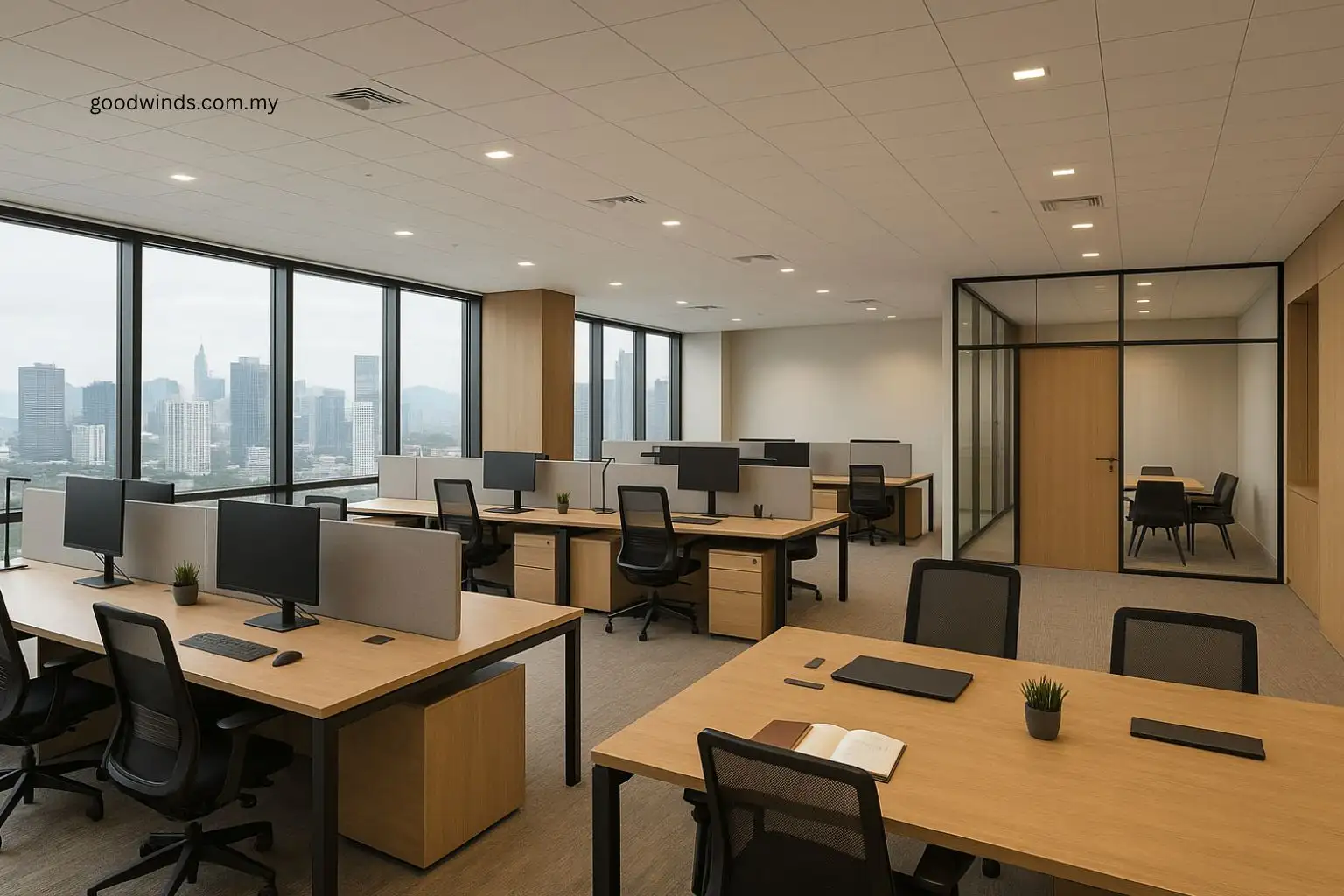
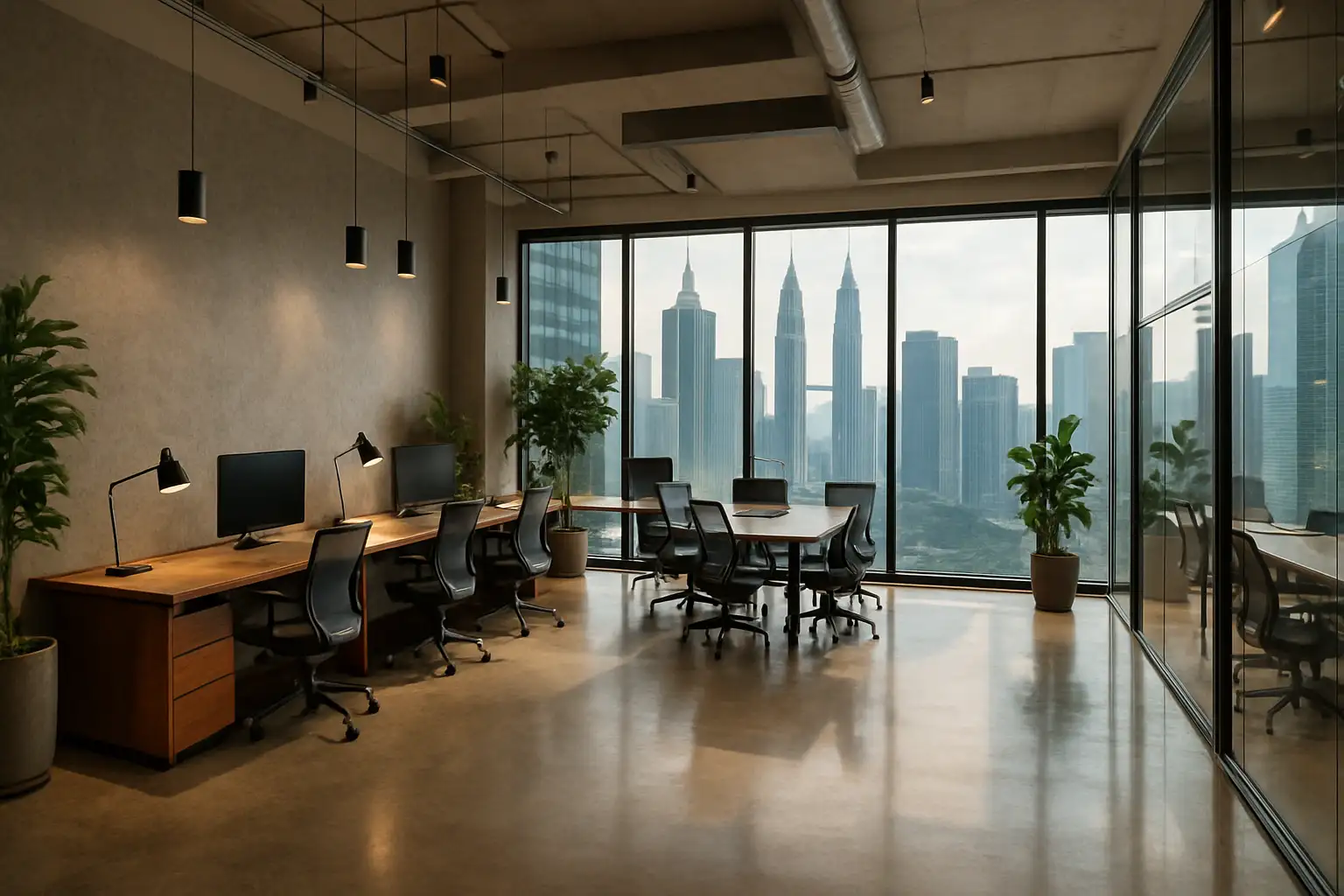
Hybrid Office Layout: How to Balance Desks, Hot Desks & Collaboration Space
A hybrid office layout works best when it is sized from real attendance and built around clear zones. You will define where fixed desks sit, where hot desks are managed, and how collaboration spaces plug into daily workflow. Start with headcount and typical in office days, apply a practical desks per employee ratio with a small buffer, and place zones so people can move easily between focus work and team work. Add simple booking tools, clear etiquette, accessible design and basic analytics, then keep tuning the mix as you see how people actually use the space.
If you are planning a wider office fit out in KL, start with a clear brief and cost bands before you lock in your hybrid office layout.
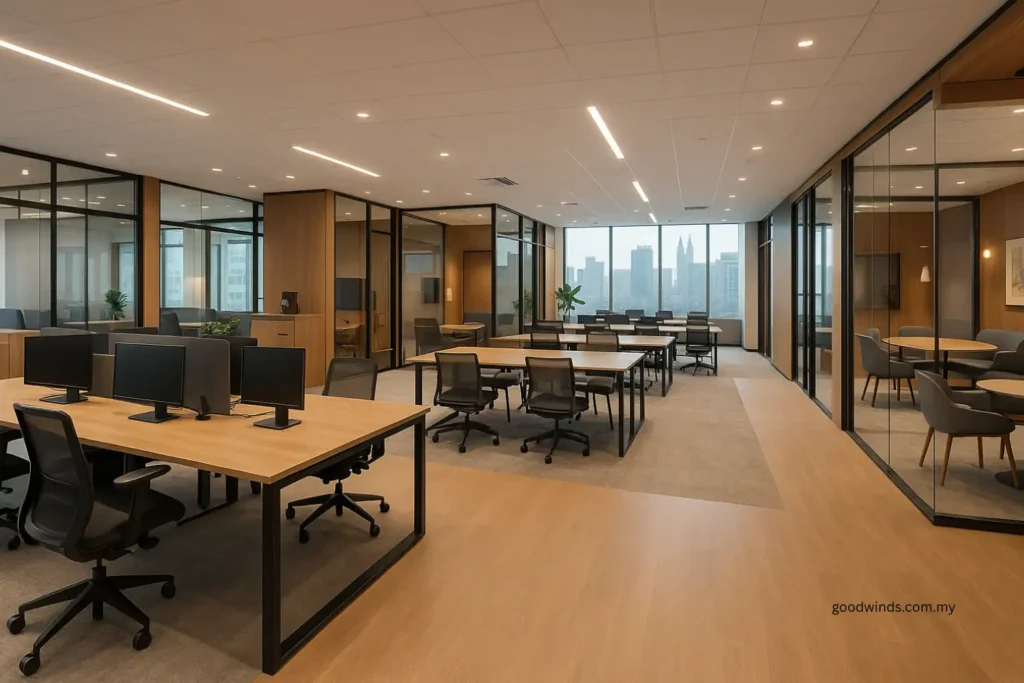
Layout Snapshot: Hybrid Office Layouts That Work
- Start with headcount and typical attendance, then apply a 0.7 to 0.8 desks per employee ratio with about a 10 percent buffer for spikes and growth.
- Reserve fixed desks for roles that need permanence and storage, and offer managed hot desks for flexible attendance and visitors.
- Zone by activity: quiet focus rooms and phone booths, collaboration hubs and huddle rooms, and social areas for informal catch ups.
- Place fixed desks near team hubs, cluster hot desks near amenity cores, and keep collaboration areas close enough for quick huddles but acoustically managed.
- Use simple booking tools, interactive maps and real time occupancy data to manage availability, track utilisation and reduce no shows.
- Set clear shared space policies, design for accessibility, and review metrics and feedback regularly so your hybrid office layout stays aligned with how people work.
Defining Zones: Fixed Desks, Hot Desks and Collaboration Areas
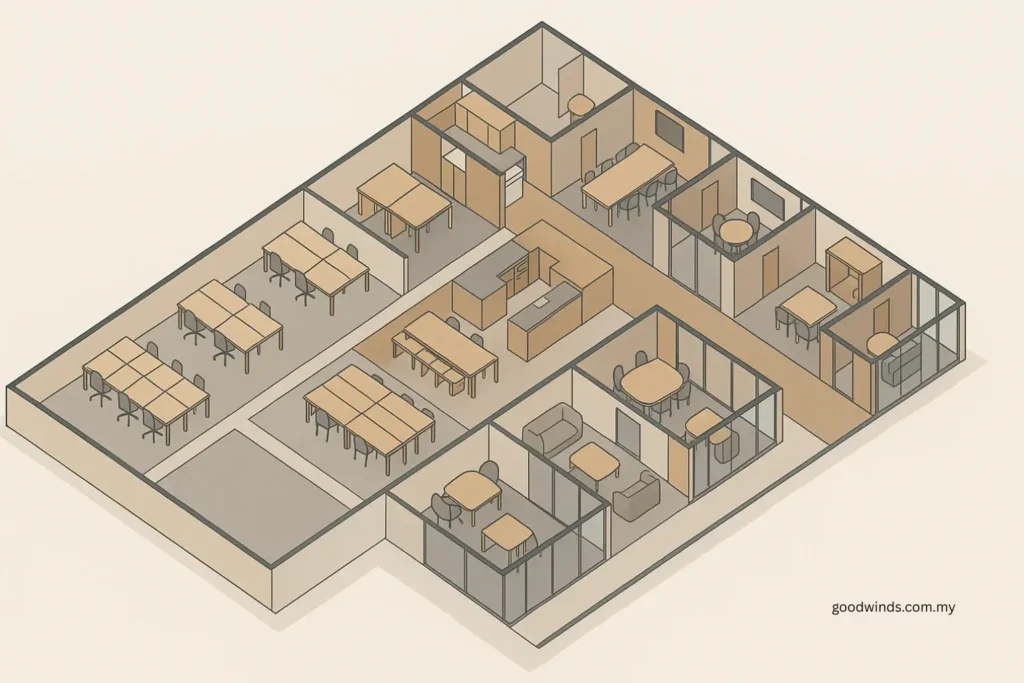
The foundation of a workable hybrid office layout is zoning. You want people to know, at a glance, where to go for focused work, quick collaboration or informal catch ups.
Start by mapping three core zone types:
- Fixed desks for roles that need permanence, regular in office presence or specific equipment. Place these close to team hubs so people feel anchored and can find colleagues easily.
- Hot desks for flexible users who come in a few days a week, project based staff and visitors. Cluster these near amenity cores such as pantries, print hubs and informal lounges so they are easy to reach and easy to clean.
- Collaboration spaces for meetings, workshops and quick huddles. These can be enclosed rooms, semi open booths or standing tables, all with suitable AV and acoustics.
Many of these choices overlap with activity based working, where different zones are deliberately planned around the type of work people need to do.
Layer in focus rooms and phone booths slightly removed from high traffic zones so people can handle calls or deep work without constant interruption. Use clear labels and signage for each zone so expectations are obvious: focus, quiet, collaboration or social.
Clear labels and signage make the hybrid office layout feel intuitive even to new hires or visitors.
Design for acoustics and comfort across all zones. That means sound absorbing finishes where needed, good lighting, comfortable temperatures, and sightlines that let people see where they are going without putting them on display at every seat. The goal is a layout where staff in KL or the wider Klang Valley can walk in, see their options, and pick the right place to work within seconds.
How to Calculate Desk Ratios and Space Needs for Your Hybrid Office Layout
Next, you need a desk and space calculation that matches reality instead of fear of running out of seats.
- Start with headcount and attendance
- List total employees.
- Estimate typical in office attendance by day or by team.
- Choose a desk ratio
- For hybrid teams, a ratio of 0.7 to 0.8 desks per employee is a common starting point.
- Add around 10 percent buffer to handle peak days, visitors and growth.
- Apply the numbers
For example:- 1,000 employees
- 70 percent expected in office on a typical day
- 0.8 desks per in office employee
- Calculation:
1,000 × 70 percent × 0.8 ≈ 560 desks
Add 10 percent buffer ≈ 616 desks as a planning target. - Translate into area
Use internal benchmarks or industry ranges to convert desk counts into required floor area, then add space for collaboration zones, circulation and support areas. Different sectors will sit at different sq ft per person, so adjust for your own profile. - Refine with data
Monitor occupancy, dwell time, booking lead time and no show rates for a few months. If desks sit empty most of the day, you may be able to reduce supply in favour of more collaboration or focus rooms. If hot desks and booths are permanently full, you will need more flexible seating in those zones.
Sizing is not a one time decision. Treat it as a starting model that you adjust as the hybrid office layout matures.
Design Principles for Flow, Acoustics and Visual Privacy
Once you know your zones and desk counts, you can make the layout feel smooth instead of stressful.
- Flow: Design clear paths from entries to fixed desks, hot desks and collaboration areas. Avoid routing people through quiet zones to reach meeting rooms. Place team clusters near the collaboration spaces they use most often so quick check ins do not require long walks.
- Acoustics: Keep high noise activities away from focus zones. Use sound absorbing ceilings, wall panels, soft flooring and furniture to control echo in collaboration and social areas. Position huddle booths and lounges off the main circulation spine or buffer them with storage, planters or screens.
- Visual privacy: Arrange desks so people are not staring directly into each other, or directly at circulation paths. Use low screens, shelving, planters or glass with partial frosting to break sightlines where needed without closing the office in.
Review flow and privacy after moving in. Walk the floor during busy periods, note where sound travels or where people avoid sitting, and make small adjustments to furniture placement and screening. These small tweaks often unlock better use of the hybrid office layout without new construction.
Technology and Booking Systems That Make Hybrid Work
The best layout can still fail if people cannot find a desk or a room easily. Technology should simplify, not complicate, daily choices.
- Desk and room booking: Choose a booking tool that is straightforward, mobile friendly and integrated with your existing platforms such as Microsoft Teams or Slack. People should be able to book a desk or meeting room in a few clicks, with confirmations landing in their calendars.
- Interactive maps: Provide floor plans that show live desk and room availability. This helps staff see which areas are open, where colleagues are sitting and how far spaces are from amenities.
- Standardised tech at the seat: Equip hot desks and collaboration spaces with basic docking, monitors, power outlets and stable Wi Fi. The more consistent the setup, the less time people waste troubleshooting.
- Occupancy and utilisation data: Feed booking records and, where appropriate, sensor data into simple dashboards. Track desk and room usage by zone, time and team so you can see real patterns instead of relying on anecdotes.
In a KL context, where teams may work across different time zones and floors, this kind of integrated booking and mapping system can be the difference between an organised hybrid office layout and daily seat hunting.
Policies, Accessibility and Change Management in Shared Spaces
Hybrid layouts only work if shared spaces feel fair and predictable.
Set a short, practical hot desk and shared space policy that covers:
- Booking rules and reasonable durations.
- Clean desk expectations at the end of the day.
- Where personal items can be stored and for how long.
- How no shows and repeated misuse will be handled.
Design accessibility into the layout from the start: step free routes, adjustable desks, clear wayfinding, and quiet areas that work for different sensory needs. Make sure your booking system allows people to flag special requirements where needed.
Support the change with simple communication and training. Explain why the new hybrid office layout is being introduced, show people how to book seats and rooms, and run short tours when new zones open. Gather feedback through surveys and informal conversations, especially in the first few months, and use that feedback alongside utilisation data when you adjust the layout or policies.
Measuring Success and Iterating Your Hybrid Office Layout
You will know your hybrid office layout is working when both numbers and daily experience move in the right direction.
Track metrics such as:
- Desk and room occupancy rates by zone and by day.
- Booking lead times and no show rates.
- Dwell time in different spaces, especially focus rooms and collaboration hubs.
- Attendance compared with your planned desk ratio.
A healthy target for many hybrid offices is around 60 to 80 percent daily utilisation for desks and shared areas, which lines up with common hybrid office utilisation benchmarks from workplace analytics firms. Below that, you may be overbuilt. Above that, people may struggle to find seats or rooms when they need them.
Combine metrics with staff feedback. Ask whether people can concentrate when they need to, find colleagues easily, and get access to rooms without frustration. Where data and feedback align, act. Rebalance the mix of fixed desks, hot desks and collaboration zones, adjust booking rules, or revisit how zones are labelled and screened.
Treat iteration as part of the process. Small, scheduled adjustments are easier on teams and budgets than rare, large overhauls.
If you want help reading your utilisation data and tuning zones, talk to a team that offers workplace strategy and hybrid office layout services in KL and the wider Klang Valley.
Hybrid Office Layout FAQ
What desk ratio should we start with for a hybrid office layout?
A common starting point is a desk ratio of about 0.7 to 0.8 desks per employee, based on expected in office attendance rather than total headcount, plus a 10 percent buffer. For example, if you expect 70 percent of staff in on a typical day, you size for that attendance, not for 100 percent of employees. Use utilisation and booking data to refine the ratio over time.
If you are planning a broader refresh, it helps to look at an office fit out in KL guide so floor area, layout and desk capacity stay aligned.
How do we handle personal storage for hot desk users?
Provide secure lockers or small personal storage units close to hot desk zones. Allow staff to keep a basic daily kit there and set simple rules on how long items can remain. Make lockers easy to assign or book, label them clearly, and keep them within a short walk of the work zones they serve so people do not have to cross the entire floor to access their belongings.
For ideas, review office storage and joinery solutions in recent workplace projects and note how lockers, credenzas and built in cabinets sit near hot desk areas.
Can team leaders reserve blocks of desks for their teams?
You can allow team leaders to reserve desk blocks where it supports specific project work or key collaboration days. To keep it fair, set limits on how far in advance and how often blocks can be reserved, and keep visibility of these reservations in the booking system. Monitor usage to ensure other teams are not squeezed out of hot desks on popular days.
How do we onboard new hires into the hybrid office layout?
Include the layout and booking process in your onboarding. Give new hires a simple guide showing zones, etiquette, how to book desks and rooms, and where to find support. Walk them through the office on their first few days so they see how fixed desks, hot desks and collaboration spaces are arranged. Pair them with a buddy who can answer practical questions about where to sit and how to use the tools.
If you do not have these materials yet, a workplace design team can help turn your layout and policies into a simple hybrid office playbook.
How often should we review and adjust our hybrid office layout?
Plan a formal review after the first three to six months of operation, once you have enough data and feedback. After that, review utilisation and staff feedback at least annually, or more often if there are major changes in headcount, attendance patterns or business needs. Use these reviews to make specific, targeted adjustments rather than constant day to day changes.
Some teams also schedule a brief hybrid office layout review with a design consultant when utilisation patterns or headcount shift significantly.
Final Word: Make Your Hybrid Office Layout Work
A strong hybrid office layout does not happen by accident. It is built from clear zoning, realistic desk ratios, simple tech and practical policies, all grounded in how your teams in Kuala Lumpur actually work. Start with data on attendance and workflows, size fixed and hot desk supply with a sensible buffer, and position collaboration and focus areas where they support the most important interactions.
From there, let utilisation numbers and staff experience guide small, regular adjustments. If you want a clearer picture of how a hybrid office layout could look in your KL or Klang Valley space, the next step is to map your current patterns, then test a zoning and desk model with an office interior design team before you commit to full build out.